Custom Software Development: When Off-the-Shelf Tools Stop Fitting
How to decide whether a growing business should configure an existing platform, integrate several tools or invest in custom software.
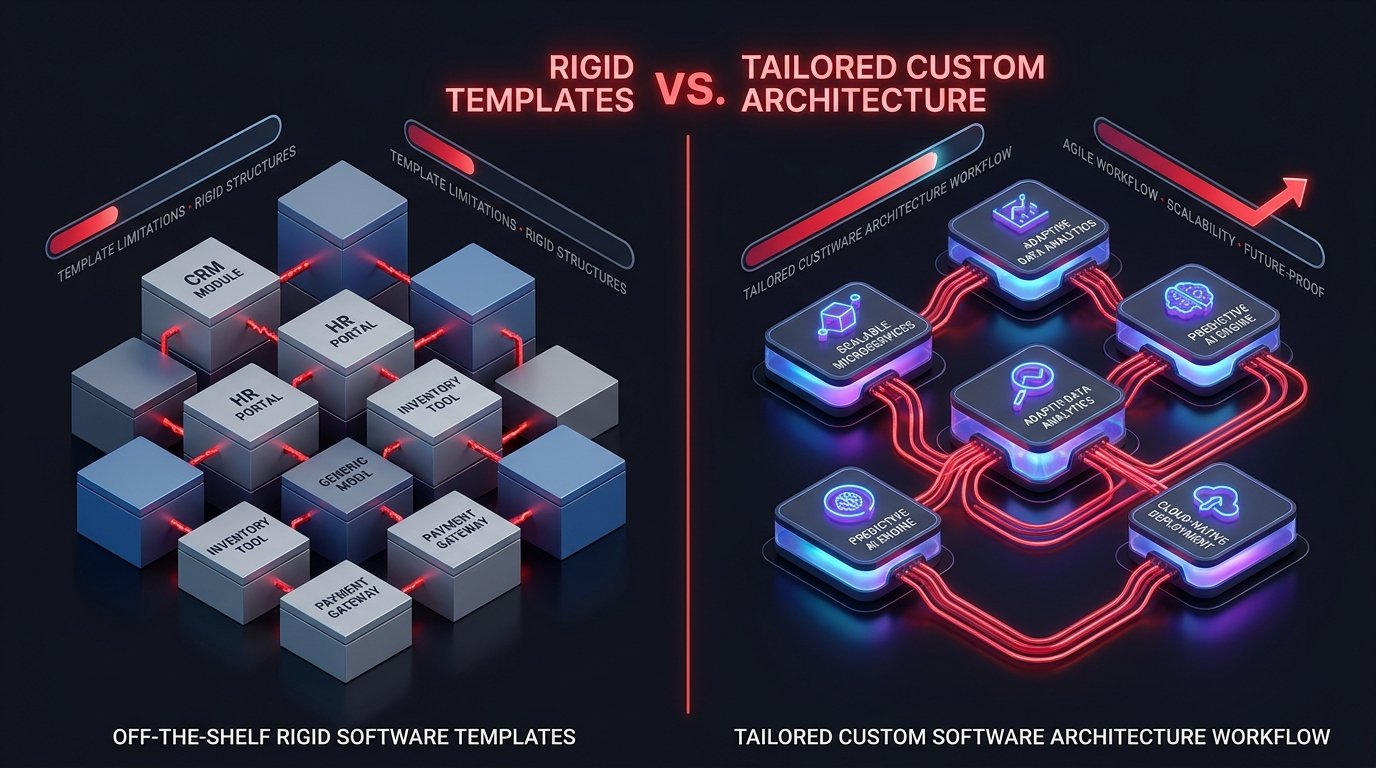
Growing businesses often reach a point where the software that helped them begin starts to slow them down. Teams copy information between tools, reports require manual consolidation, approvals disappear into message threads and employees create unofficial spreadsheets to fill gaps.
This does not automatically mean the business needs custom software. Many problems can be solved by configuring an existing product, improving a process or integrating systems that already work well. Custom software development becomes the right option when the organisation’s workflow, data or competitive model requires capabilities that standard tools cannot provide coherently.
The decision should be made through business value and total operating cost—not frustration with one missing feature.
What off-the-shelf software does well
Established software products distribute development and maintenance cost across many customers. They can provide mature capabilities, regular security updates, documentation and integrations without requiring the buyer to own a development programme.
Off-the-shelf software is usually the better choice when:
The business should configure before it customises. Recreating standard accounting, communication or project-management capabilities rarely creates strategic value.
Where standard products create friction
Fragmented workflows
One system handles customers, another tracks jobs, a third creates invoices and a spreadsheet connects the gaps. Employees become the integration layer.
Duplicate data and inconsistent truth
The same customer, product or transaction exists in several locations. Teams cannot confidently identify the current record, and reporting depends on manual clean-up.
Workarounds become the real process
When software does not support exceptions, employees move work into email, messaging or local files. Management loses visibility precisely where the workflow becomes difficult.
Pricing scales against the business model
Per-user or per-module pricing may become disproportionate when many operational employees need limited access. A licence that was affordable for ten users may not suit a multi-branch operation.
The product cannot express a differentiator
If the business competes through a distinctive service journey, decision model or partner ecosystem, forcing that capability into generic software can weaken the advantage.
Three options—not two
The decision is not simply buy or build. Most organisations should evaluate three paths.
Configure
Use the platform’s standard workflows, fields, permissions and automation. This is the lowest-maintenance option when the product already fits the core process.
Integrate
Keep strong systems of record and connect them through APIs, automation or a focused internal tool. Integration is useful when the problem is fragmentation rather than missing core capability.
Build
Create a tailored application around the organisation’s workflow and data. This provides control but introduces ongoing responsibilities for security, operations, support and product evolution.
A hybrid is common: retain accounting or identity products, then build the operational layer that expresses the business’s unique process.
When custom software creates strategic value
Custom development is more compelling when several of the following are true:
Custom does not mean every component must be written from zero. Responsible engineering uses reliable frameworks, cloud services and third-party products for commodity capabilities while concentrating investment on the organisation’s distinctive needs.
Calculate total cost of ownership
Compare costs over a realistic period rather than looking only at implementation price.
For off-the-shelf software, include licences, premium modules, implementation, data migration, integrations, consultants, user growth and the operational cost of workarounds.
For custom software, include discovery, design, development, cloud services, security, monitoring, support, maintenance, documentation and future product management.
Also consider switching cost and control. A standard platform may be easier to adopt but harder to leave if data export and integration are limited. A custom platform offers control but depends on disciplined ownership and knowledge continuity.
Reduce risk before committing to a full build
What to ask a custom software partner
A trustworthy partner should be willing to recommend an existing product when building does not create enough value.
The bottom line
Off-the-shelf tools are efficient when the business fits the product. Custom software is valuable when the product must fit a strategically important business system.
The goal is not maximum customisation. It is the smallest maintainable combination of configuration, integration and custom development that removes meaningful friction and supports growth.
RECOMMENDED NEXT STEP
Assess Your Software Requirements
Assess Your Software Requirements — link to /contact or the relevant product enquiry form.
QUESTIONS & ANSWERS
Frequently Asked Questions
Is custom software always more expensive?
It normally requires a larger upfront investment, but total cost depends on licences, workarounds, integrations, scale and the value of owning the capability.
Can custom software integrate with existing platforms?
Yes, when those platforms provide suitable APIs or data-exchange methods. Integration requirements should be investigated before architecture and scope are finalised.
Who owns custom software after development?
Ownership depends on the contract. The business should clarify intellectual property, source-code access, third-party licences, infrastructure accounts and documentation before work begins.
SOURCES & BACKGROUND
Authoritative References
These references support the technical concepts. The article should retain original Aurae analysis rather than reproduce source wording.
- ▪Aurae Software Solutions — Expertise
- ▪Aurae Software Solutions — Contact